Toshiba Canvio Basics External Hard Drive - Reliable Portable Storage
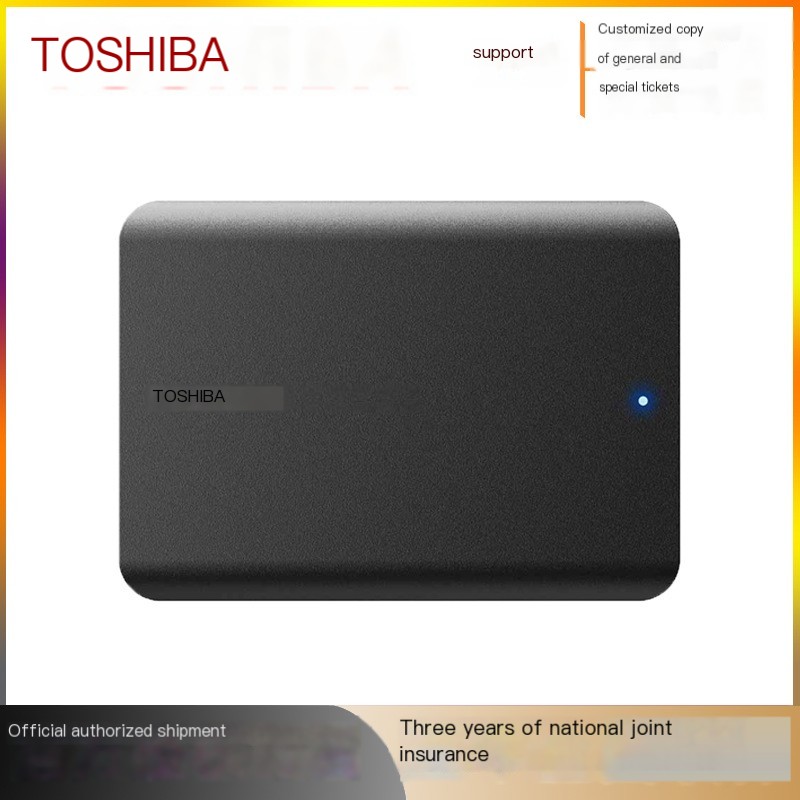
Experience the ultimate in portable storage with the Toshiba 2TB External Hard Disk Drive. Designed for those who value speed and efficiency, this sleek device fits perfectly into your mobile lifestyle. With high-speed performance of 5400rpm, you can transfer files quickly, making it ideal for both work and play.
Key Features
-
High Capacity Storage: Available in 1TB and 2TB options for all your files
-
USB 3.0 Connectivity: Fast data transfer speeds for quick backups
-
5400rpm Performance: Reliable speed for file transfers
-
Compact 2.5-inch Design: Slim, lightweight profile fits easily in bags or pockets
-
8MB Cache Capacity: Ensures smooth data retrieval
-
Durable ABS Engineering Plastic: Modern look with top-notch data protection
-
Universal Compatibility: Works with Windows and Mac systems
Technical Specifications
-
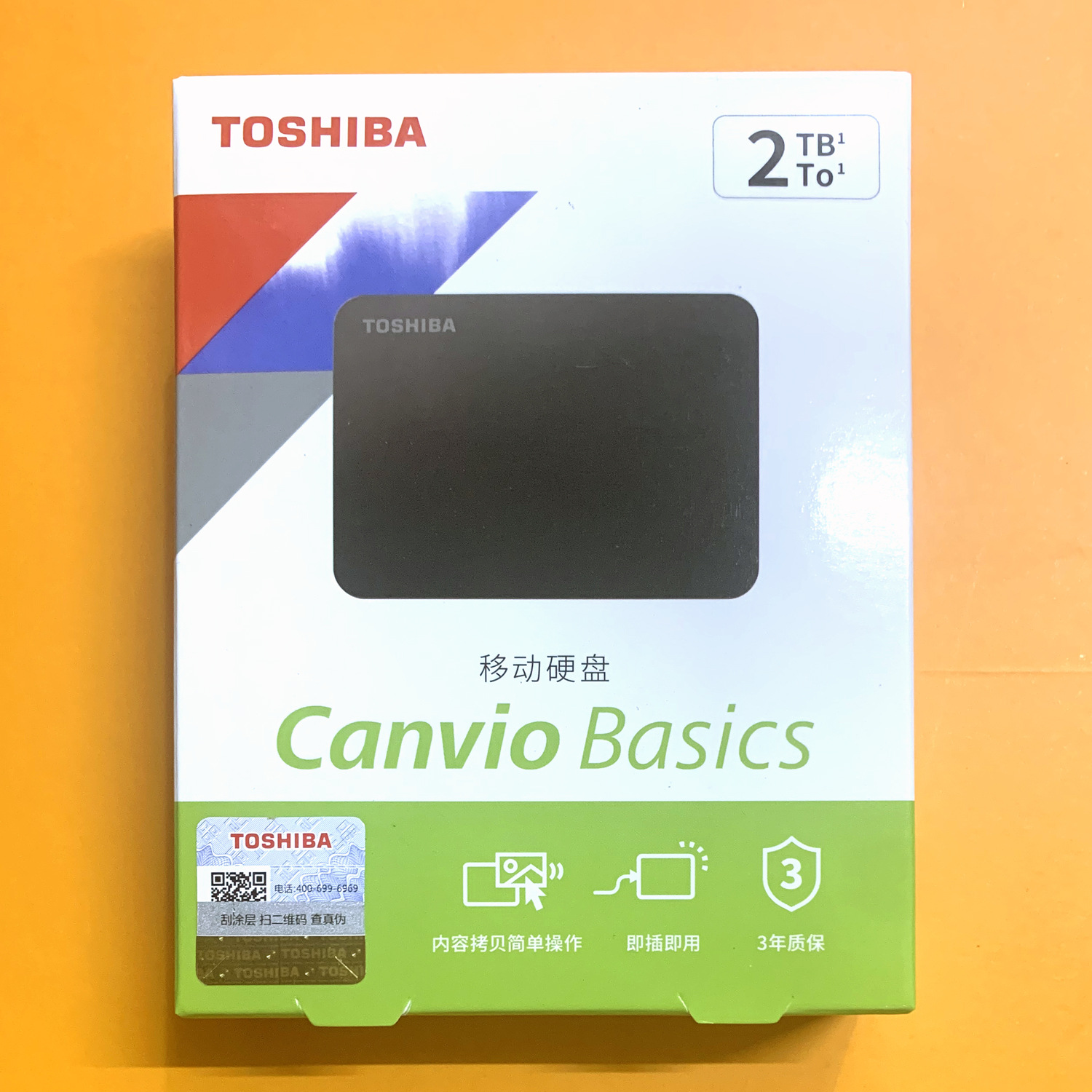
Capacity: 1TB or 2TB
-
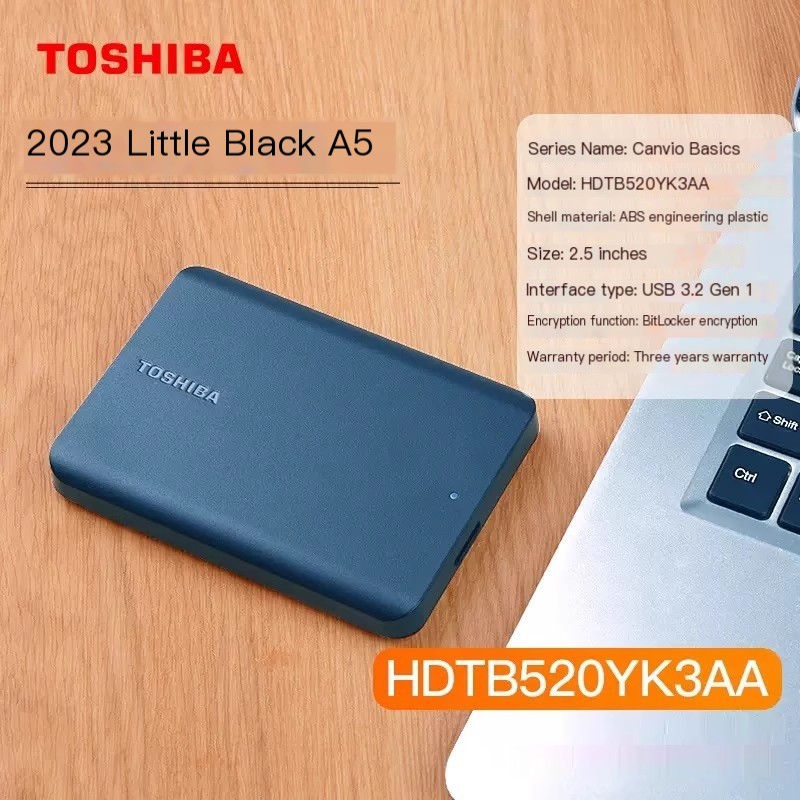
Interface: USB 3.0 (backward compatible with USB 2.0)
-
Speed: 5400rpm
-
Cache: 8MB
-
Size: 2.5-inch portable form factor
-
Material: ABS engineering plastic
-
Power: USB bus-powered (no external power needed)
-
Color: Black
-
Brand: Toshiba
Perfect For
- Backing up important documents, photos, and videos
- Expanding laptop or desktop storage capacity
- Transferring large files between computers
- Storing media libraries and keeping files organized
- Students, professionals, and home users
- Travel and portable storage needs
Why Choose Toshiba Canvio Basics?
Whether you're a student, a professional, or just someone who loves to keep their media organized, the Toshiba External Hard Disk Drive is the perfect solution. Say goodbye to anxiety over lost files and hello to the convenience of backing up your important data with this reliable external hard drive. Compatible with both Windows and Mac systems, ensuring you can access your files no matter your device.
What's Included
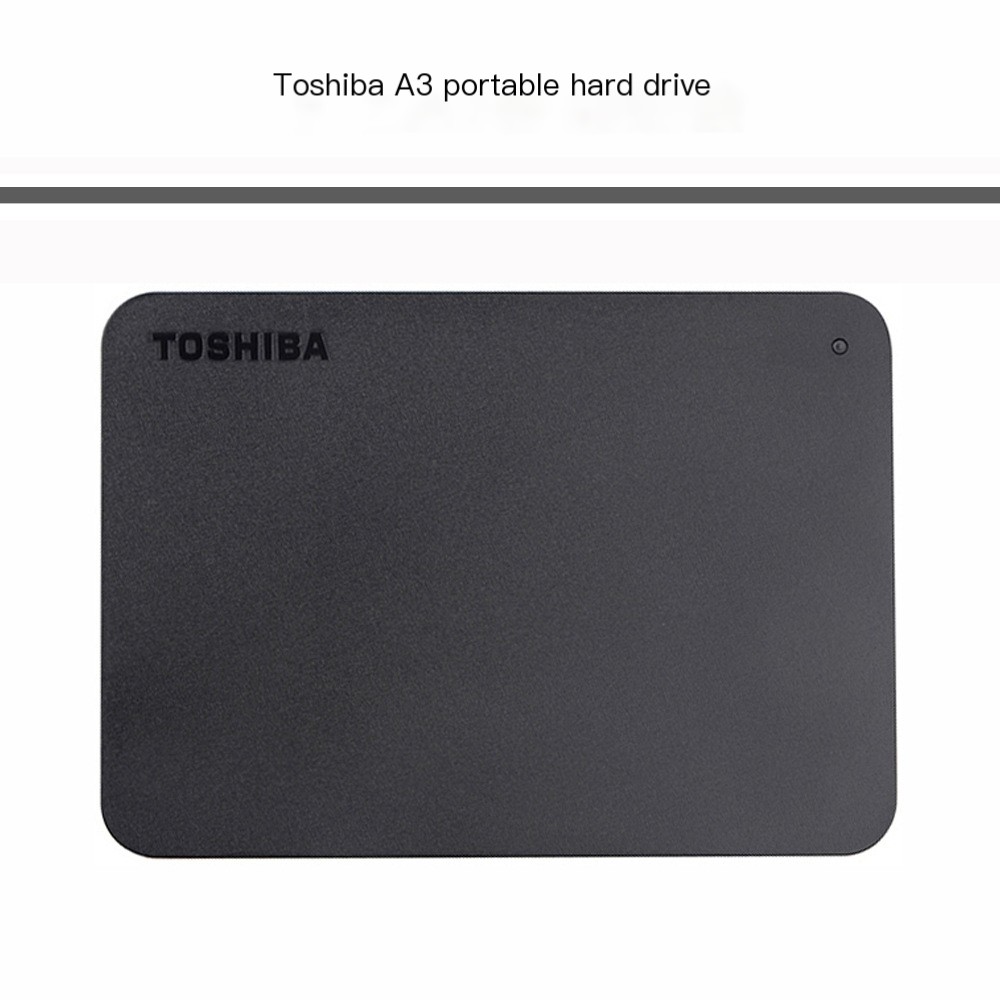
- Toshiba Canvio Basics External Hard Drive (1TB or 2TB)
- USB 3.0 Cable
- Quick Start Guide
Note: Drive comes formatted for Windows. Mac users may need to reformat the drive using Disk Utility for full compatibility.

